<aside><nav><h2>Broker Reviews</h2>
<a href="https://www.binaryoptions.net/iq-option" title='IQ Option Review'>IQ Option</a> | <a href="https://www.binaryoptions.net/binary-com" title='Binary.com Review'>Binary.com</a> | <a href="https://www.binaryoptions.net/24option" title='24option Review'>24option</a> | <a href="https://www.binaryoptions.net/ayrex" title='Ayrex Review'>Ayrex</a>
For US traders: <a href="https://www.binaryoptions.net/nadex" title='Nadex Review'>Nadex</a>
<a href="https://www.binaryoptions.net/brokers/">List All Brokers</a>
</nav></aside>
<a href="https://www.binaryoptions.net/iq-option" title='IQ Option Review'>IQ Option</a> | <a href="https://www.binaryoptions.net/binary-com" title='Binary.com Review'>Binary.com</a> | <a href="https://www.binaryoptions.net/24option" title='24option Review'>24option</a> | <a href="https://www.binaryoptions.net/ayrex" title='Ayrex Review'>Ayrex</a>
For US traders: <a href="https://www.binaryoptions.net/nadex" title='Nadex Review'>Nadex</a>
<a href="https://www.binaryoptions.net/brokers/">List All Brokers</a>
</nav></aside>
Easy way to take and Edit MT4 Screenshots (Follow up to trading Journal)

BryanMac
Posts: 851 ✭✭✭
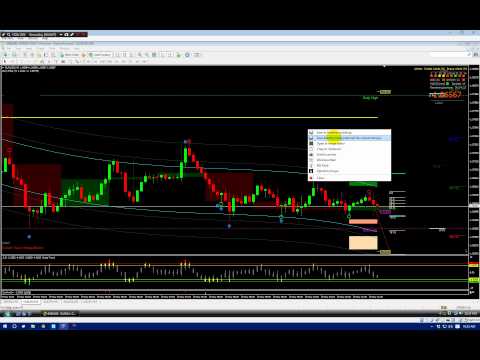
This is a quick walk-thru of greenshot, it is a 100% free software for uploading images and editing them. Some times MT4 is a bit clunky marking charts. I use it to edit charts before I save the link in a journal.
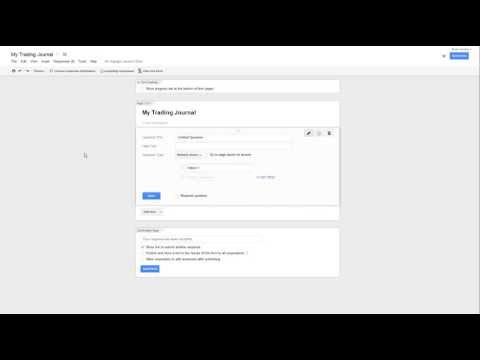
The first video is the original make your own trading journal which if you are serious about trading I highly recommend. THe second is how to use Greenshot.
 https://youtu.be/2dxRomdo8dk
GREENSHOT Walkthru:
Link to greenshot.
https://www.dropbox.com/s/hlkygw5xm19e73p/greenshot.exe?dl=0
Their web site: http://getgreenshot.org/ (fore more in-depth instructions)
 https://youtu.be/r90XU5hEeg8
The first video is the original make your own trading journal which if you are serious about trading I highly recommend. THe second is how to use Greenshot.
https://youtu.be/2dxRomdo8dkGREENSHOT Walkthru:
Link to greenshot.
https://www.dropbox.com/s/hlkygw5xm19e73p/greenshot.exe?dl=0
Their web site: http://getgreenshot.org/ (fore more in-depth instructions)
https://youtu.be/r90XU5hEeg8 There was an error rendering this rich post.
